













The Complete TV Buying Guide for Nigerians (2026): How to Choose the Right Television Without Wasting Your Money


By DISPASAL | Your Trusted Electronics & Home Appliance Store
Buying a TV Shouldn’t Be Confusing
Buying a television should be exciting, not stressful.
But once you start shopping, you’re suddenly faced with terms like LED, QLED, OLED, 4K, HDR, Dolby Vision, Smart TV, Google TV, and many more. On top of that, two TVs that look almost identical can have completely different prices.
It’s easy to wonder:
- “Why is this TV more expensive?”
- “Do I really need all these features?”
- “Which one is actually worth my money?”
If you’ve asked yourself any of these questions, you’re not alone.
At Dispasal, we’ve spoken to many customers who felt overwhelmed by the number of options available. Some bought a TV that was too small for their room. Others paid for features they never used. And some missed out on features that would have made a real difference to their viewing experience.
That’s exactly why we created this guide.
Our goal isn’t to convince you to buy the most expensive TV. It’s to help you understand what really matters, so you can choose a television that suits your home, your lifestyle, and your budget.
Whether you’re buying your first Smart TV, upgrading your family living room, or looking for the perfect TV for movies, sports, or gaming, this guide will walk you through everything you need to know—in plain, easy-to-understand language.
By the end, you’ll feel confident enough to choose the right TV without guessing or relying solely on a salesperson’s recommendation.
Instead of scrolling through the entire guide, jump to the section that interests you most.
- Choosing the Right TV for Your Needs
- Choosing the Right TV Size
- Understanding TV Display Technologies
- Understanding Picture Quality
- Smart TV Features Explained
- TV Sound Technologies
- Gaming Features Explained
- TV Connectivity
- Choosing the Right TV Brand
- TV Buying Checklist
- Need Help Choosing?
Choosing the Right TV for Your Needs
One of the biggest mistakes people make when buying a TV is focusing on the brand or price before thinking about how they’ll actually use it.
The truth is, there’s no single TV that’s perfect for everyone.
A TV that’s ideal for watching movies may not be the best option for gaming. Likewise, a model designed for a large living room may not be the right fit for a bedroom or office.
Before you compare specifications, take a moment to ask yourself a few simple questions:
- Where will the TV be placed?
- What will you watch most often?
- Who will be using the TV?
- How much are you comfortable spending?
Your answers will help you focus on the features that matter most and avoid paying for things you may never use.
What Do You Watch Most Often?
| If You Mainly Watch… | Features to Prioritise |
|---|---|
| Movies & TV Series | Excellent picture quality, HDR, immersive sound |
| Football & Sports | Smooth motion, larger screen, bright display |
| Video Games | HDMI 2.1, VRR, ALLM, high refresh rate |
| YouTube & Streaming | Smart platform, app support, Wi-Fi |
| Everyday Family Viewing | Reliability, ease of use, value for money |
Dispasal Tip: The best TV isn’t always the most expensive. It’s the one that matches how you and your family actually use it.
Choosing the Right TV Size
One of the first things you’ll notice when shopping for a TV is the screen size.
Many people assume that a bigger TV is always better, but that’s not necessarily true.
A TV that’s too large for your room can feel overwhelming, while one that’s too small may not give you the immersive experience you’re looking for.
Choosing the right size depends on your room, your viewing distance, and how you plan to use the TV.
Recommended TV Sizes
| TV Size | Best For |
|---|---|
| 32 Inch | Small bedrooms, hostels, kitchens |
| 43 Inch | Bedrooms, apartments, small living rooms |
| 50 Inch | Medium-sized living rooms |
| 55 Inch | Most Nigerian living rooms |
| 65 Inch | Large living rooms and home entertainment |
| 75 Inch & Above | Home cinemas and large open spaces |
Don’t Forget to Measure Your Space
Before placing your order, make sure the TV will fit comfortably.
Check:
- Your TV stand
- Your wall space (if mounting)
- The distance between your seating area and the TV
At Dispasal, we include the dimensions of every TV on our product pages to help you choose with confidence.
👉 Read our guide: Understanding TV Dimensions and Installation Space
Understanding TV Display Technologies
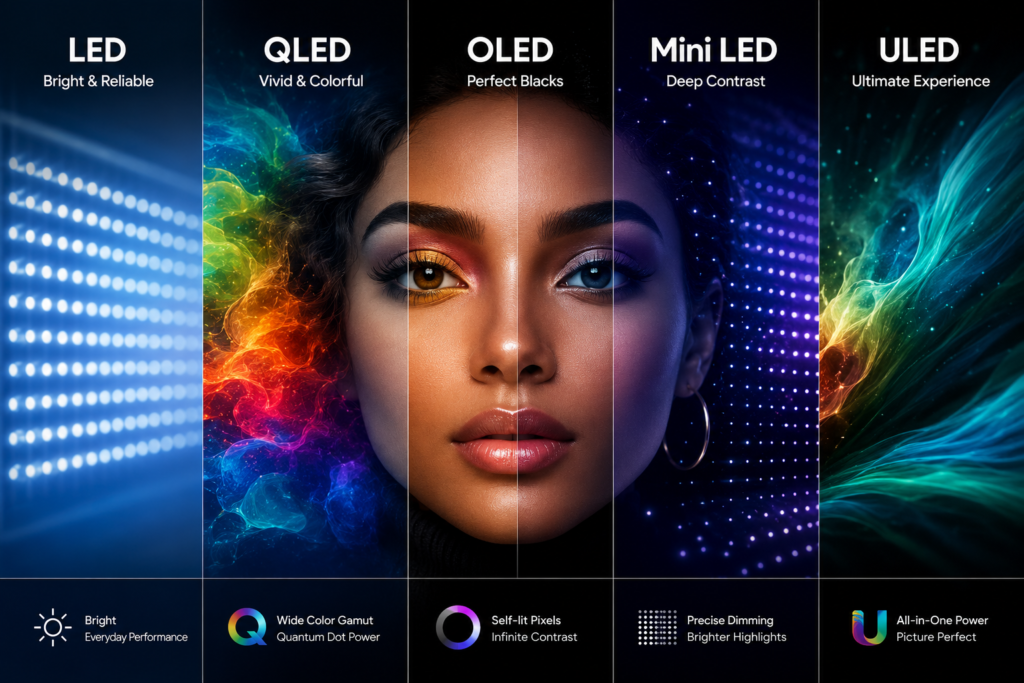
If you’ve ever wondered why two TVs of the same size can have very different prices, the answer often lies in the display technology.
This is what determines how the picture is produced, how bright the screen can get, how deep the blacks appear, and how realistic colours look.
Let’s look at the most common TV display technologies you’ll come across.
LED TV
LED TVs are the most common televisions available today and are often the most affordable.
They use a backlight to illuminate the screen, delivering bright, colourful images that are suitable for everyday viewing.
For many households, a good LED TV provides excellent value and meets all the needs of watching news, movies, sports, and streaming services.
Best For
- First-time TV buyers
- Families
- Students
- Offices
- Budget-conscious shoppers
Advantages
- Affordable
- Bright picture
- Energy efficient
- Wide range of sizes
Things to Consider
While LED TVs offer great value, they don’t usually achieve the same deep black levels and contrast as more advanced display technologies like OLED. you compare models based on your room size, budget, and viewing habits—so you can buy with confidence.
QLED TV
QLED stands for Quantum Dot Light-Emitting Diode.
The name may sound complicated, but the idea is simple.
A QLED TV is an improved version of a traditional LED TV. It uses a special layer of tiny particles called Quantum Dots to produce brighter images and more vibrant colours.
Imagine watching a football match where the green grass looks richer, the players’ jerseys appear more vivid, and the entire picture feels brighter and more lifelike. That’s one of the biggest advantages of QLED technology.
Best For
- Bright living rooms
- Sports fans
- Family entertainment
- People who want better colours without moving to OLED
Advantages
- Brighter picture
- Richer, more vibrant colours
- Excellent for daytime viewing
- Longer lifespan
Things to Consider
QLED delivers a noticeable improvement over standard LED TVs, but because it still relies on a backlight, it cannot produce the same perfect black levels as OLED TVs.
LED vs QLED
| Feature | LED | QLED |
|---|---|---|
| Picture Quality | Good | Excellent |
| Colour Accuracy | Good | Better |
| Brightness | Good | Excellent |
| Black Levels | Good | Very Good |
| Price | More Affordable | Mid to Premium |
Is QLED Worth Paying Extra For?
If your TV is in a bright room or you enjoy colourful movies, sports, and nature documentaries, a QLED TV is often worth the extra cost. It offers a noticeable improvement in colour and brightness while remaining more affordable than most OLED models.
OLED TV
OLED stands for Organic Light-Emitting Diode.
Unlike LED and QLED TVs, an OLED TV doesn’t need a backlight. Instead, every individual pixel creates its own light.
Think of it like a room where every light bulb has its own switch. If one area of the picture needs to be completely black, those pixels simply switch off.
The result is deeper blacks, richer contrast, and a more realistic image.
This is one of the reasons OLED TVs are often considered the gold standard for picture quality.
Best For
- Movie lovers
- Home cinema enthusiasts
- Gamers
- Premium entertainment
Advantages
- Perfect black levels
- Outstanding contrast
- Wide viewing angles
- Incredible colour accuracy
- Premium picture quality
Things to Consider
OLED TVs are usually more expensive than LED and QLED models. If you mainly watch regular TV channels and are shopping on a tight budget, you may find that a good LED or QLED TV offers better overall value.
OLED vs QLED
| Feature | OLED | QLED |
|---|---|---|
| Black Levels | Excellent | Very Good |
| Contrast | Excellent | Excellent |
| Brightness | Very Good | Excellent |
| Viewing Angles | Excellent | Very Good |
| Best For | Movies & Gaming | Bright Rooms & Sports |
Is OLED Worth Paying Extra For?
Yes—if picture quality is your highest priority.
If you enjoy watching movies in the evening, premium streaming content, or next-generation gaming, OLED offers one of the best viewing experiences available today.
Mini LED TV.
Mini LED is exactly what its name suggests.
Instead of using a few large LED lights behind the screen, Mini LED TVs use thousands of much smaller LEDs.
This gives the TV much better control over brightness and contrast.
The result is deeper blacks, brighter highlights, and a picture that’s closer to OLED while maintaining excellent brightness.
Best For
- Large living rooms
- Bright environments
- Movies and sports
- Buyers looking for premium performance
Advantages
- Excellent brightness
- Better contrast than standard LED
- Improved HDR performance
- Great for large-screen TVs
Is Mini LED Worth Paying Extra For?
If you want premium picture quality but prefer a brighter screen for daytime viewing, Mini LED is an excellent choice.
ULED TV
ULED is Hisense’s premium picture technology.
Rather than being a single technology like OLED, ULED combines several technologies—including advanced backlighting, local dimming, AI picture processing, and Quantum Dot technology—to improve picture quality.
The goal is to produce brighter colours, sharper details, and better contrast.
Best For
- Hisense buyers
- Families
- Sports
- Movies
- Everyday premium entertainment
Is ULED Better Than OLED?
Not exactly.
OLED and ULED use different technologies.
OLED is known for perfect black levels, while ULED focuses on improving brightness, colour, and overall picture performance using several display technologies together.
Both can deliver excellent picture quality depending on the model.
Quick Comparison
| Technology | Best For | Price Range |
|---|---|---|
| LED | Everyday viewing | Budget |
| QLED | Bright rooms & vibrant colours | Mid-range to Premium |
| OLED | Movies & Gaming | Premium |
| Mini LED | Premium brightness & HDR | Premium |
| ULED | Premium Hisense TVs | Mid-range to Premium |
Dispasal Tip: Don’t choose a TV based only on the technology name. Two TVs using the same display technology can still perform very differently depending on the processor, picture settings, and overall build quality. Always consider the complete package before making your decision.
Understanding Picture Quality
Picture quality is one of the biggest reasons people choose one TV over another.
But terms like 4K, HDR, and Dolby Vision can make things sound more complicated than they really are.
The good news is that once you understand what these technologies do, comparing TVs becomes much easier.
In the next section, we’ll explain each one in simple language, show you when it makes a real difference, and help you decide whether it’s worth paying extra for.
What Is 4K?
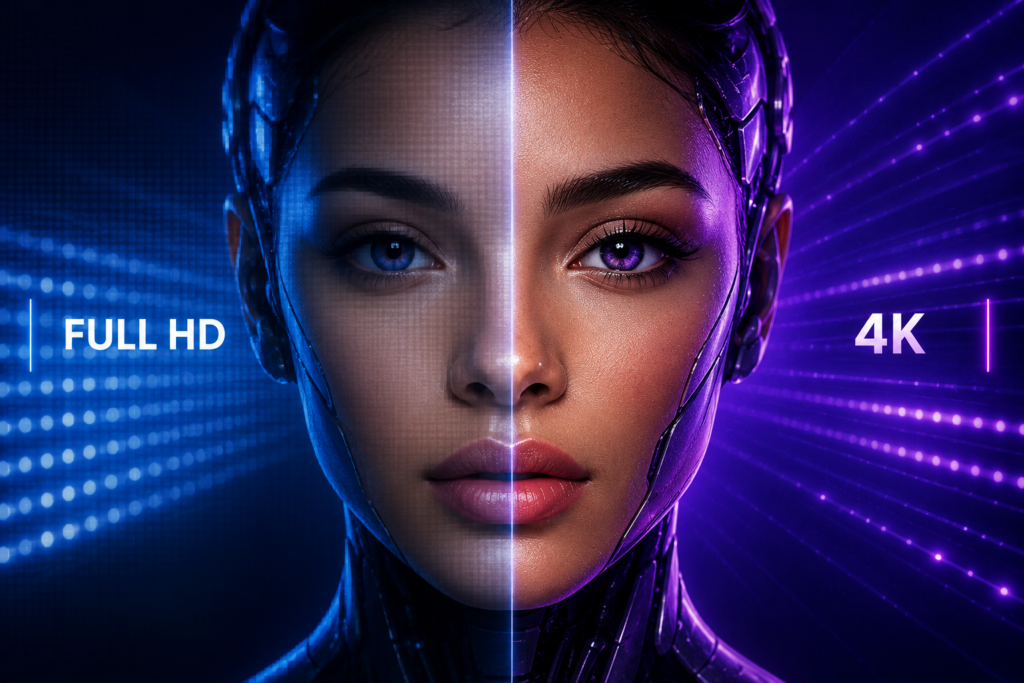
If you’ve been shopping for a TV, you’ve probably seen the term 4K Ultra HD.
Simply put, 4K describes the resolution of the screen, or how much detail the TV can display.
A 4K TV has 3,840 × 2,160 pixels, which is about four times the resolution of a Full HD (1080p) TV. More pixels mean more detail, sharper images, and a clearer picture—especially on larger screens.
You may not notice a huge difference on a small 32-inch TV, but on a 55-inch, 65-inch, or larger TV, the extra detail becomes much more visible.
Full HD vs 4K
| Feature | Full HD | 4K Ultra HD |
|---|---|---|
| Resolution | 1920 × 1080 | 3840 × 2160 |
| Picture Detail | Good | Excellent |
| Best Screen Sizes | Up to 43″ | 43″ and Above |
| Future Ready | Limited | Yes |
Should You Buy a 4K TV?
Yes.
If you’re buying a new TV today, we recommend choosing 4K whenever your budget allows. Most streaming services, modern gaming consoles, and many new movies are designed with 4K in mind, making it a smart choice for the future.
What Is HDR?
Many people think HDR makes a TV sharper.
It doesn’t.
HDR (High Dynamic Range) improves the quality of the colours, brightness, and contrast.
Think about watching a sunset.
Without HDR, the bright sky may look washed out, or the darker areas may lose detail.
With HDR, you can see both the bright sunlight and the darker shadows more clearly at the same time. The picture feels more natural and lifelike.
What Does HDR Improve?
| Without HDR | With HDR |
|---|---|
| Less detail in bright and dark scenes | More visible detail in both |
| Colours can look flatter | Richer, more realistic colours |
| Lower contrast | Better depth and realism |
Will You Notice the Difference?
Yes, especially when watching:
- 4K movies
- Netflix and Prime Video
- Nature documentaries
- Modern games
- HDR-supported YouTube videos
Is HDR Worth Paying Extra For?
Absolutely.
HDR is one of the easiest picture improvements to notice. It doesn’t just make the image brighter—it makes it feel more realistic.
HDR10 vs Dolby Vision
When looking at TV specifications, you’ll often see HDR10 and Dolby Vision.
Both improve picture quality, but they don’t work in exactly the same way.
| Feature | HDR10 | Dolby Vision |
|---|---|---|
| Picture Improvement | Yes | Yes |
| Brightness Control | One setting for the whole movie | Adjusts scene by scene |
| Colour Accuracy | Excellent | Even More Precise |
| Streaming Support | Very Common | Supported by many premium services |
| Found On | Most 4K TVs | Premium and selected mid-range TVs |
The easiest way to think about it is this:
- HDR10 gives the entire movie a picture upgrade.
- Dolby Vision fine-tunes the picture throughout the movie, making adjustments scene by scene for better brightness, contrast, and colour.
What Is Dolby Vision?
Dolby Vision is an advanced version of HDR developed to deliver an even more realistic viewing experience.
Instead of applying the same picture settings to an entire movie, Dolby Vision continuously adjusts brightness, contrast, and colours from one scene to the next.
Imagine watching an action movie where one scene is set on a bright beach and the next takes place in a dark tunnel. Dolby Vision automatically optimises each scene so you can see more detail without needing to adjust the TV yourself.
Best For
- Movie lovers
- Streaming services
- Premium TV viewing
- Home cinema enthusiasts
Is Dolby Vision Worth Paying Extra For?
If you enjoy movies, TV series, or premium streaming services like Netflix, Disney+, or Apple TV+, yes. The improvement is noticeable on supported content and helps deliver a more cinematic experience.
If you mainly watch local TV channels, you’ll still enjoy a great picture, but Dolby Vision won’t be used as often because not all broadcasts support it.
Does Every Movie Use HDR or Dolby Vision?
No.
A TV may support HDR or Dolby Vision, but the content you’re watching also needs to support those formats.
The good news is that many popular streaming services now offer a growing library of HDR and Dolby Vision content.
| Streaming Service | HDR | Dolby Vision* |
|---|---|---|
| Netflix | ✔ | ✔ (Selected Content) |
| Disney+ | ✔ | ✔ |
| Apple TV+ | ✔ | ✔ |
| Prime Video | ✔ | ✔ (Selected Content) |
| YouTube | ✔ (Selected Videos) | ✖ |
*Availability depends on your subscription plan, the title you’re watching, and your TV’s compatibility.
Dispasal Buying Advice
When comparing two TVs with the same screen size, don’t look only at the resolution.
A 4K TV with HDR and Dolby Vision can deliver a much more enjoyable viewing experience than a basic 4K TV without these technologies.
If your budget allows, these are features worth considering—especially if you enjoy movies, streaming, or gaming
Smart TV Features Explained

Years ago, a television was mainly used to watch local TV channels.
Today, a Smart TV can do much more. You can stream movies, watch YouTube videos, browse the internet, mirror your phone’s screen, and install apps—all without connecting another device.
However, not all Smart TVs offer the same experience. That’s why it’s important to understand the software running your TV before making a purchase.
What Is a Smart TV?
A Smart TV is simply a television that can connect to the internet and run apps.
Instead of relying only on cable or satellite TV, you can access streaming services like Netflix, YouTube, Prime Video, Showmax, and many others directly from the TV.
Most Smart TVs also include features such as:
- Wi-Fi connectivity
- Screen mirroring or casting
- Web browsing
- App store
- Voice control (on supported models)
- Software updates
For many households, a Smart TV has become the main entertainment hub.
Where You’ll Notice It Most
A Smart TV makes everyday entertainment much more convenient.
You’ll appreciate it when:
- Watching YouTube without using your phone.
- Streaming Netflix or Prime Video directly from the TV.
- Playing music from online apps.
- Sharing photos and videos from your smartphone.
- Accessing your favourite entertainment in one place.
Is a Smart TV Worth Buying?
Yes.
Today, almost every new television above entry-level is a Smart TV, and for most buyers, it’s well worth the investment. It offers greater convenience and gives you access to far more content than a traditional television.
Smart TV vs Android TV vs Google TV
Many people think these terms mean the same thing.
They don’t.
Every Android TV is a Smart TV, but not every Smart TV is an Android TV.
Google TV is also different from Android TV, even though they’re closely related.
Let’s make it simple.
| Feature | Smart TV | Android TV | Google TV |
|---|---|---|---|
| Internet Connection | ✔ | ✔ | ✔ |
| Streaming Apps | ✔ | ✔ | ✔ |
| App Store | Limited | Google Play Store | Google Play Store |
| Google Assistant | Some Models | ✔ | ✔ |
| Chromecast Built-in | Some Models | ✔ | ✔ |
| Personalised Recommendations | Basic | Good | Excellent |
Smart TV
A Smart TV uses the manufacturer’s own operating system.
It’s simple, fast, and includes the most popular streaming apps.
This is often enough for people who mainly watch YouTube, Netflix, or local channels.
Android TV
Android TV is developed by Google.
It gives you access to the Google Play Store, allowing you to download thousands of compatible apps.
It also supports Google Assistant, Chromecast, and voice search.
Google TV
Google TV is the latest version of Google’s TV platform.
Instead of simply showing apps, it recommends movies and TV shows based on what you enjoy watching.
It provides a cleaner interface and better content discovery than traditional Android TV.
Which One Should You Choose?
Choose a Smart TV if you want something simple and mainly watch the most popular streaming services.
Choose an Android TV if you enjoy downloading apps and using Google’s services.
Choose Google TV if you want a modern interface with personalised recommendations and a premium user experience.
The good news is that all three can provide an excellent entertainment experience. The best choice depends on how you like to use your TV.
webOS vs VIDAA vs Google TV
When buying a Smart TV, you’ll also come across names like webOS, VIDAA, and Google TV.
These are simply different operating systems.
Think of them the same way you think of Android and iPhone—they both perform similar tasks but have different designs and features.
webOS
webOS is developed by LG.
It is known for its clean design, smooth performance, and easy navigation.
Many users appreciate how quickly they can switch between apps and settings.
Best For
- LG TV owners
- Families
- Movie lovers
- Users who prefer a simple interface
VIDAA
VIDAA is the operating system used on many Hisense Smart TVs.
It’s designed to be lightweight, fast, and easy to use.
It includes popular streaming apps and offers a straightforward experience that’s easy to learn.
Best For
- Hisense TV owners
- Everyday streaming
- Users who prefer simplicity
Google TV
Google TV combines powerful app support with personalised recommendations.
If you already use Android phones or other Google services, you’ll likely feel right at home.
Quick Comparison
| Feature | webOS | VIDAA | Google TV |
|---|---|---|---|
| Used By | LG | Hisense | Multiple Brands |
| Ease of Use | Excellent | Excellent | Excellent |
| App Selection | Excellent | Very Good | Excellent |
| Speed | Excellent | Excellent | Excellent |
| Voice Assistant | Supported | Supported on Compatible Models | Supported |
Which Operating System Is Best?
There isn’t a single “best” operating system.
Each one has its strengths, and all are capable of delivering an enjoyable Smart TV experience.
Rather than choosing a TV based only on its operating system, consider the complete package—including picture quality, sound, features, warranty, and value for money.
Dispasal Tip: Don’t buy a TV just because someone says one operating system is better than another. If it has the apps you use most, runs smoothly, and meets your needs, it’s already a great choice.
TV Sound Technologies
Picture quality often gets all the attention, but sound is just as important.
A TV with an excellent display can still feel disappointing if voices are difficult to hear or action scenes lack impact.
Modern televisions now include advanced audio technologies designed to make movies, sports, music, and games sound more immersive without needing a separate home theatre system.
Let’s look at the most common ones.
What Is Dolby Atmos?
Dolby Atmos is an advanced surround sound technology designed to make audio feel more natural and immersive.
Instead of making sound appear to come only from the TV, Dolby Atmos creates the impression that sound is moving around you. Rain may seem to fall from above, an aircraft may sound like it’s flying overhead, and action scenes feel more realistic.
Even on TVs with built-in speakers, Dolby Atmos can improve the sense of space. When paired with a compatible soundbar or home theatre system, the effect becomes even more impressive.
Where You’ll Notice Dolby Atmos Most
You’ll appreciate Dolby Atmos when:
- Watching action movies
- Streaming Netflix or Disney+ content that supports Dolby Atmos
- Watching concerts or live performances
- Playing story-driven games
- Creating a home cinema experience
Is Dolby Atmos Worth Paying Extra For?
If you enjoy movies, streaming, or gaming, yes.
While it won’t completely replace a dedicated surround sound system, it adds depth and realism that many viewers notice immediately.
If you mainly watch local TV channels or news, it may not be a deciding factor—but it’s still a valuable feature if it’s included in the TV you’re considering.
What Is DTS Virtual:X?
DTS Virtual:X is another audio technology designed to make TV sound larger and more immersive.
Unlike traditional stereo sound, it creates the impression that audio is coming from different directions, making dialogue clearer and action scenes more engaging.
The goal is to provide a surround sound experience without requiring multiple speakers around your room.
Where You’ll Notice DTS Virtual:X Most
You’ll notice the biggest improvement when:
- Watching football matches
- Action movies
- Live concerts
- Family movie nights
- Everyday TV viewing where clearer dialogue is important
Is DTS Virtual:X Worth Paying Extra For?
Yes, especially if you don’t plan to buy a separate soundbar straight away.
It helps built-in TV speakers deliver a fuller, more spacious sound, making everyday viewing more enjoyable.
Dolby Atmos vs DTS Virtual:X
| Feature | Dolby Atmos | DTS Virtual:X |
|---|---|---|
| Creates More Immersive Sound | ✔ | ✔ |
| Improves Dialogue Clarity | ✔ | ✔ |
| Best with Soundbar or Home Theatre | ✔ | Optional |
| Great for Movies | Excellent | Excellent |
| Great for Sports | Excellent | Excellent |
| Great for Everyday Viewing | Excellent | Very Good |
Dispasal Tip: Don’t worry too much about choosing one technology over the other. Both are designed to improve your listening experience, and either one is a welcome feature on a modern TV.
Do You Need a Soundbar?
One of the most common questions we hear is:
“Do I need to buy a soundbar as well?”
The answer depends on your expectations.
Modern TVs are much slimmer than older models, leaving less space for large speakers. As a result, even premium TVs have physical limitations when it comes to producing deep, powerful sound.
For many people, the built-in speakers are perfectly adequate for everyday viewing.
However, if you regularly watch movies, enjoy concerts, or want a more cinematic experience, a soundbar can make a noticeable difference.
You Probably Don’t Need a Soundbar If You:
- Mostly watch local TV channels
- Watch news and documentaries
- Use the TV in a small bedroom
- Are happy with clear everyday sound
You Should Consider a Soundbar If You:
- Love movies and TV series
- Enjoy football with stadium-like atmosphere
- Play games regularly
- Listen to music through your TV
- Want a home cinema experience
Gaming Features Explained
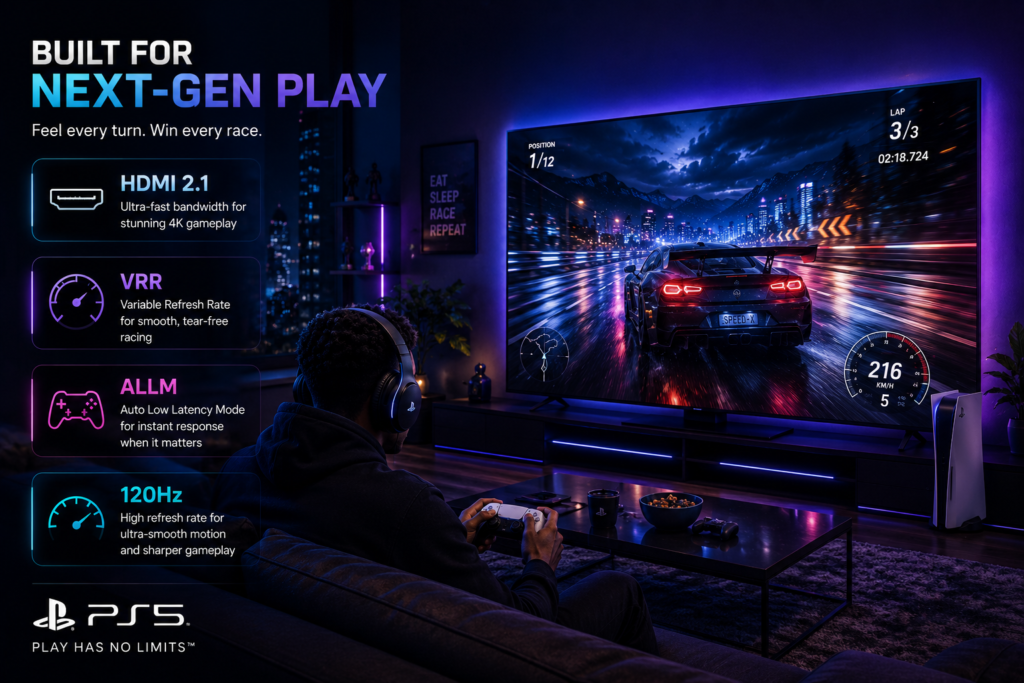
If you’re buying a TV for gaming, you’ll probably come across terms like HDMI 2.1, VRR, ALLM, and 120Hz Refresh Rate.
These features are mainly designed to make gameplay smoother, faster, and more responsive.
If you don’t play games, you don’t need to worry too much about them.
But if you own a PlayStation 5, Xbox Series X, or a gaming PC, understanding these features can help you choose the right TV.
What Is HDMI 2.1?
HDMI is the cable that connects devices like game consoles, streaming boxes, and Blu-ray players to your TV.
HDMI 2.1 is the latest version and supports higher resolutions, faster refresh rates, and advanced gaming features.
Where You’ll Notice It Most
- PlayStation 5
- Xbox Series X
- Gaming PCs
- High-frame-rate games
Is HDMI 2.1 Worth Paying Extra For?
If you’re buying a TV specifically for next-generation gaming, yes.
For everyday TV viewing and streaming, a standard HDMI connection is usually sufficient.
What Is VRR?
VRR stands for Variable Refresh Rate.
It allows the TV to adjust its refresh rate to match the frame rate of your game.
This helps reduce screen tearing and creates smoother gameplay.
Best For
- Fast racing games
- First-person shooters
- Sports games
- Open-world adventure games
What Is ALLM?
ALLM stands for Auto Low Latency Mode.
When you start a game, the TV automatically switches into Game Mode.
This reduces input lag, making your controller feel more responsive.
The result is a smoother gaming experience without needing to change settings manually.
What Is Refresh Rate?
The refresh rate tells you how many times the screen updates each second.
It’s measured in Hertz (Hz).
A higher refresh rate can make motion appear smoother.
| Refresh Rate | Best For |
|---|---|
| 60Hz | Everyday TV, Movies, Sports |
| 120Hz | Gaming, Fast Action, Premium TVs |
| 144Hz | High-End Gaming PCs |
For most people, a 60Hz TV is perfectly suitable.
If you’re a serious gamer, a TV with 120Hz support can provide smoother gameplay when paired with compatible devices.
Gaming Buying Advice
If you don’t play games regularly, don’t feel pressured to pay extra for advanced gaming features.
However, if you’re investing in a PlayStation 5, Xbox Series X, or gaming PC, features like HDMI 2.1, VRR, ALLM, and a 120Hz refresh rate can noticeably improve your gaming experience.
Dispasal Tip: Buy gaming features only if you’ll actually use them. They’re excellent for gamers, but they aren’t essential for everyday TV viewing.
TV Connectivity Explained
A TV’s picture and sound are important, but so are the connections it offers.
The right ports make it easier to connect game consoles, streaming devices, soundbars, flash drives, and other accessories. Choosing a TV with the right connectivity means you’ll enjoy more flexibility now and in the future.
Let’s look at the most common connections you’ll find on a modern TV.
HDMI
HDMI (High-Definition Multimedia Interface) is the main connection used for video and audio.
You’ll use it to connect:
- Gaming consoles
- Soundbars
- Home theatre systems
- Streaming devices
- Blu-ray players
Most modern TVs include between 2 and 4 HDMI ports.
Where You’ll Notice It Most
If you plan to connect several devices at the same time, having more HDMI ports means you won’t need to unplug one device to use another.
USB
USB ports allow you to connect:
- Flash drives
- External hard drives
- Keyboards (on supported TVs)
- Some webcams and accessories
You can use them to watch movies, play music, or view photos stored on a USB drive.
Wi-Fi
Wi-Fi lets your TV connect to the internet without using a cable.
This allows you to:
- Stream Netflix, YouTube, Prime Video, and more
- Download software updates
- Use online apps
- Access cloud-based features
If your TV will be close to your router, an Ethernet connection may provide a more stable internet connection. However, for most homes, Wi-Fi works perfectly well.
Bluetooth
Bluetooth allows your TV to connect wirelessly to compatible devices.
For example:
- Wireless headphones
- Bluetooth speakers
- Some keyboards and controllers
This is particularly useful if you want to watch TV without disturbing others.
Ethernet (LAN)
An Ethernet port lets you connect your TV directly to your internet router using a network cable.
Compared to Wi-Fi, a wired connection can be more stable, especially when streaming high-quality 4K content.
Optical Audio Output
This port is commonly used to connect:
- Soundbars
- Home theatre systems
- Audio receivers
If you plan to upgrade your TV’s sound in the future, having an optical audio output can be very useful.
Which Connections Matter Most?
For most buyers, these are the most important:
✔ HDMI
✔ Wi-Fi
✔ Bluetooth
✔ USB
The rest are useful depending on how you plan to use your TV.
Choosing the Right TV Brand
Many people ask,
“Which TV brand is the best?”
The honest answer is:
There isn’t one brand that’s best for everyone.
Every manufacturer offers different models designed for different budgets and needs.
Instead of choosing based on the brand name alone, consider the features, warranty, after-sales support, and overall value.
Here’s a simple overview.
| Brand | Best Known For |
|---|---|
| LG | Premium OLED TVs, excellent gaming features, webOS |
| Hisense | Great value for money, smart features, ULED technology |
| Samsung | Bright displays, QLED technology, premium designs |
| TCL | Affordable Smart TVs with good features |
| Sony | Outstanding picture processing and cinematic viewing |
| Others | Performance varies depending on the model |
Dispasal Tip: Focus on the model, not just the brand. Even within the same brand, different TV series can offer very different features and performance.
Common Mistakes to Avoid When Buying a TV
Buying a TV is an investment, and avoiding a few common mistakes can save you money and help you enjoy your purchase for years to come.
Choosing the Cheapest TV
A lower price can be attractive, but it’s important to compare features, warranty, and long-term value rather than price alone.
Buying the Wrong Screen Size
A TV that’s too small may not provide an immersive experience, while one that’s too large can feel uncomfortable in a small room.
Always measure your space before buying.
Ignoring Warranty and Support
A manufacturer’s warranty provides peace of mind if something goes wrong.
Always check the warranty period and buy from an authorised retailer.
Paying for Features You’ll Never Use
Not everyone needs HDMI 2.1, 144Hz, or premium gaming features.
Choose the features that match how you’ll actually use the TV.
Not Checking Available Apps
Before buying a Smart TV, make sure it supports the streaming services you use most often.
TV Buying Checklist
Before placing your order, ask yourself these questions:
- Does this TV fit my room?
- Have I measured the installation space?
- Is the screen size right for my viewing distance?
- Does it support the apps I use most?
- Does it have enough HDMI ports for my devices?
- Do I need advanced gaming features?
- Is the sound quality suitable for my needs?
- Does it include a manufacturer’s warranty?
- Am I buying from a trusted retailer?
If you answered yes to most of these questions, you’re well on your way to choosing the right TV.
Final Thoughts
Buying a television doesn’t have to be confusing.
Once you understand the basics, choosing the right TV becomes much easier.
Remember:
- Buy the right size for your room.
- Choose features you’ll actually use.
- Don’t focus on brand alone.
- Compare picture quality, sound, smart features, and warranty.
- Think about long-term value rather than just the lowest price.
A good television should provide years of enjoyable entertainment, so it’s worth taking a little extra time to make the right choice.
Continue Learning
You might also find these guides helpful:
- LED vs QLED vs OLED: What’s the Difference?
- What Is OLED?
- What Is HDR?
- What Is Dolby Vision?
- What Is Dolby Atmos?
- How to Choose the Right TV Size
- Understanding TV Dimensions Before You Buy
- Smart TV vs Android TV vs Google TV
Explore Our TV Collection
Looking for a new television?
Browse our range of genuine TVs from trusted brands, including Hisense, LG, Samsung, TCL, and more.
Every product page includes detailed specifications, dimensions, warranty information, and straightforward explanations to help you choose with confidence.
Televisions
Dispasal offers 100% original TVs from trusted brands
Need Help Choosing?
Still unsure which TV is right for you?
Our product specialists are here to help. Tell us about your room size, budget, and how you plan to use your TV, and we’ll recommend suitable options based on your needs.
If you’re still learning, you can also explore our Learning Centre for more easy-to-understand guides before making your decision.
Raed the full article or click here to chat with a TV specialist 09164425471
Top rated products
-
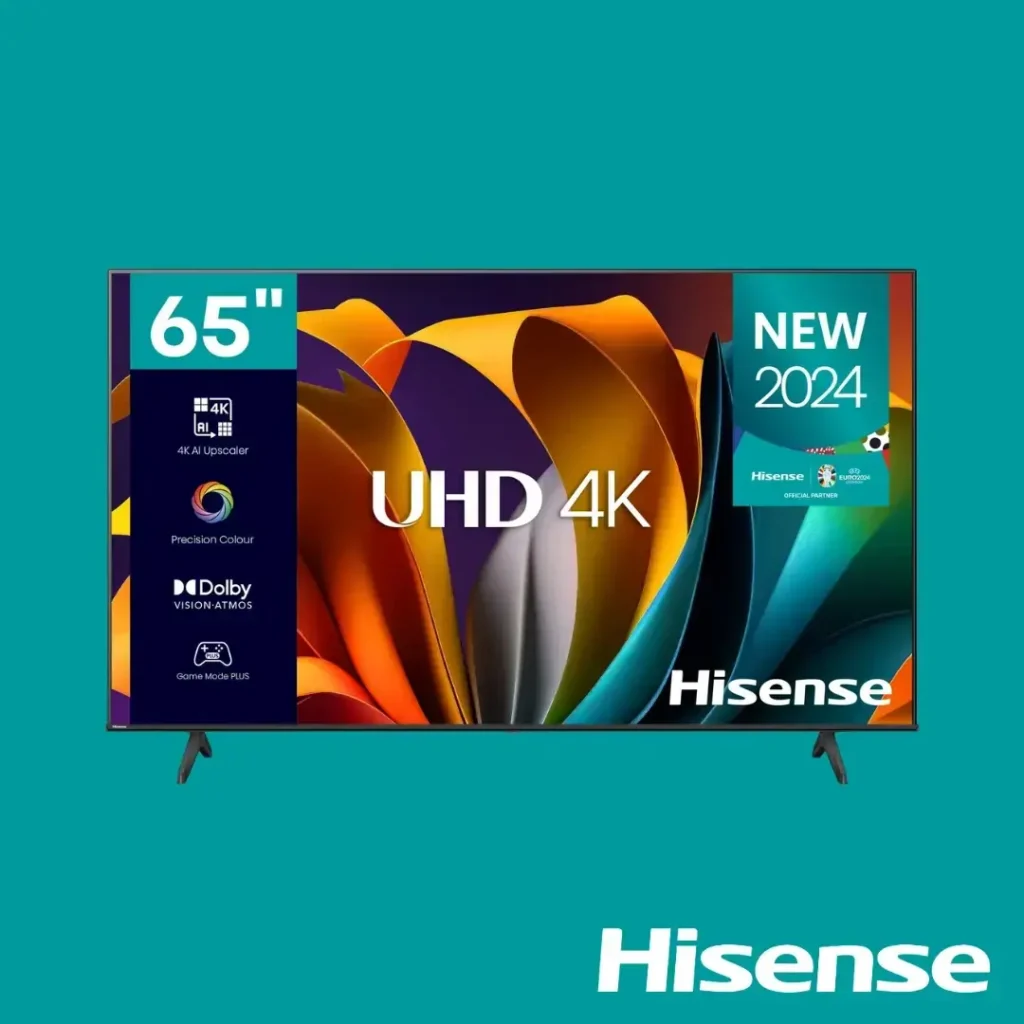
Hisense 65-Inch UHD A6Q 4K Smart TV (65A6Q)
Original price was: ₦720,000.00.₦690,000.00Current price is: ₦690,000.00. -
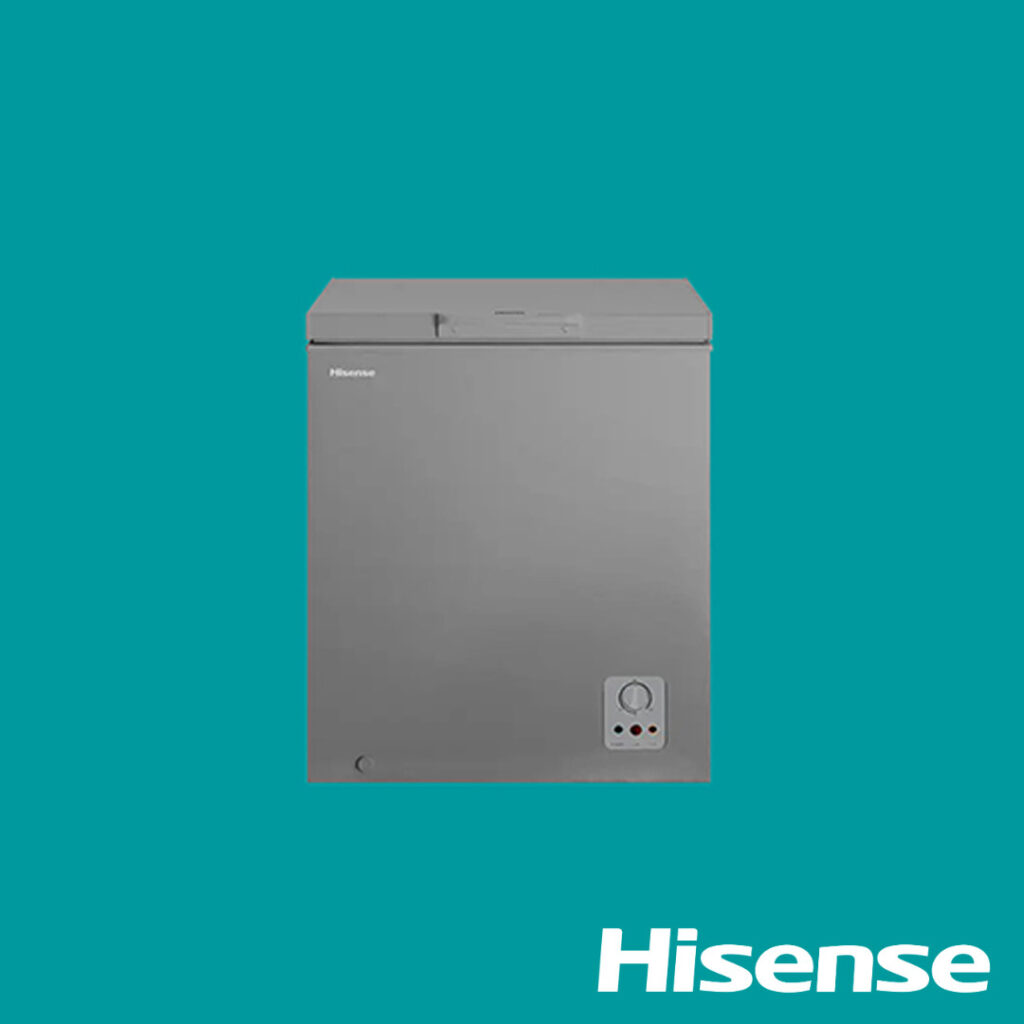
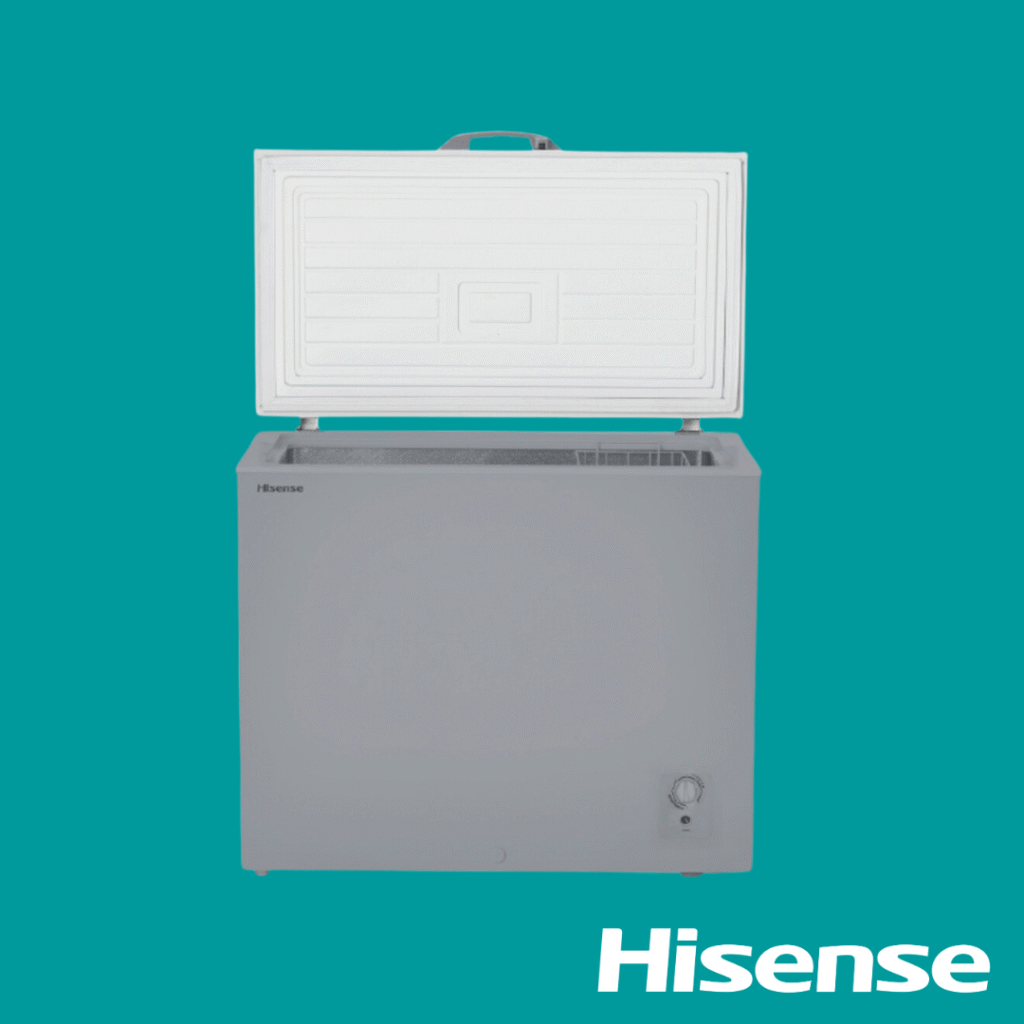
Hisense Chest Freezer 142L (190SH-FC)
Original price was: ₦290,000.00.₦255,000.00Current price is: ₦255,000.00. -
Provincia Aspen TV Stand 1.35m Branco Fosco (White Matte) PA227553
Original price was: ₦125,000.00.₦115,000.00Current price is: ₦115,000.00. -
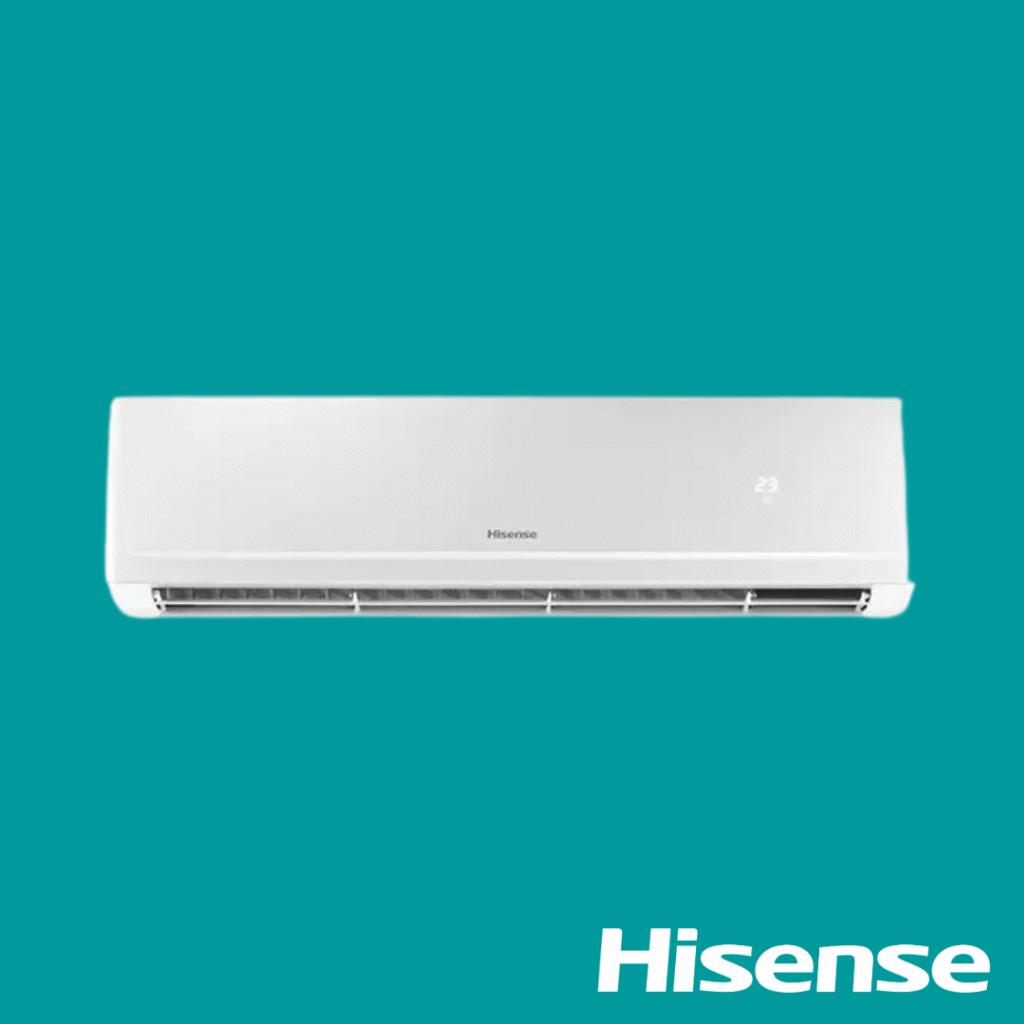
Hisense Split AC 1.5 HP Inverter AS12DK
Original price was: ₦430,000.00.₦400,000.00Current price is: ₦400,000.00. -
LG Washing Machine Top Load 11KG (1185NEHT)
Original price was: ₦520,000.00.₦495,000.00Current price is: ₦495,000.00. -
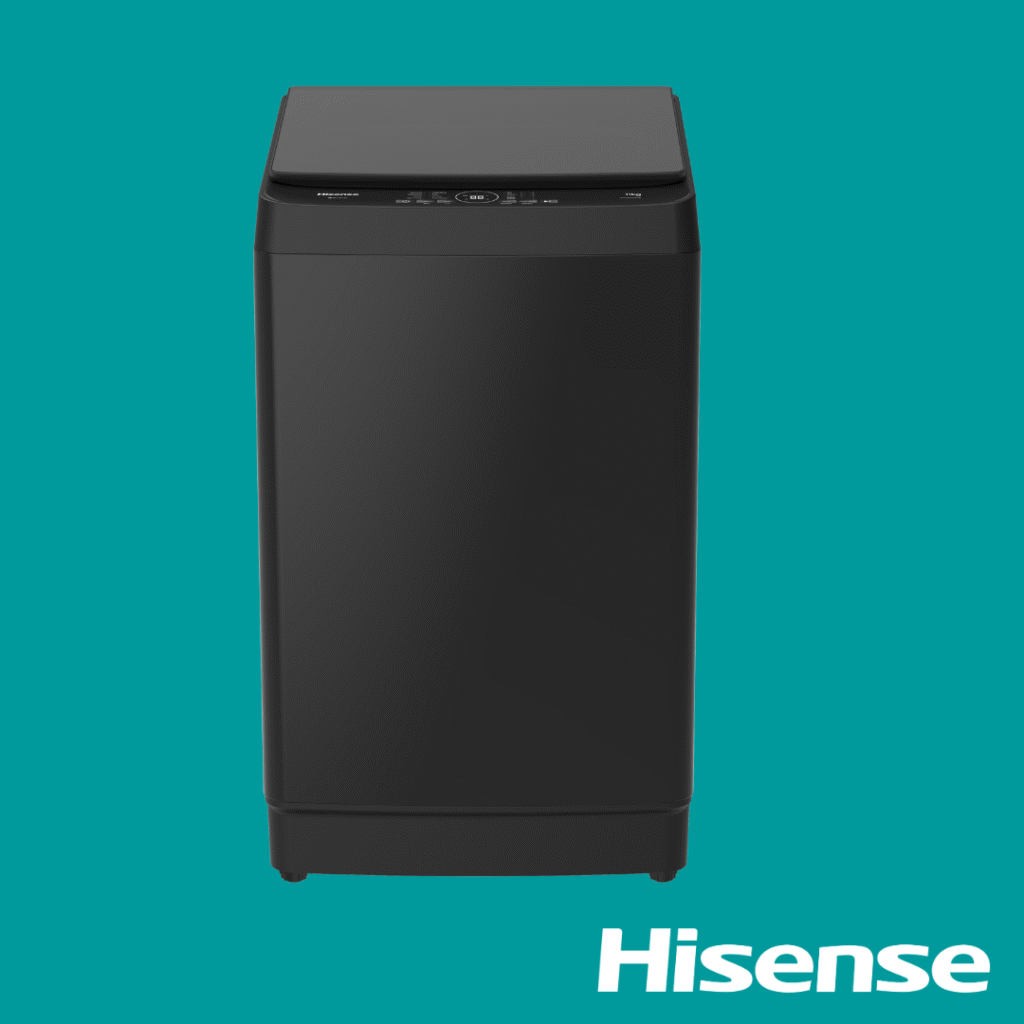
Hisense Washing Machine Top Loader 11KG WT3K1123UB
Original price was: ₦370,000.00.₦350,000.00Current price is: ₦350,000.00. -
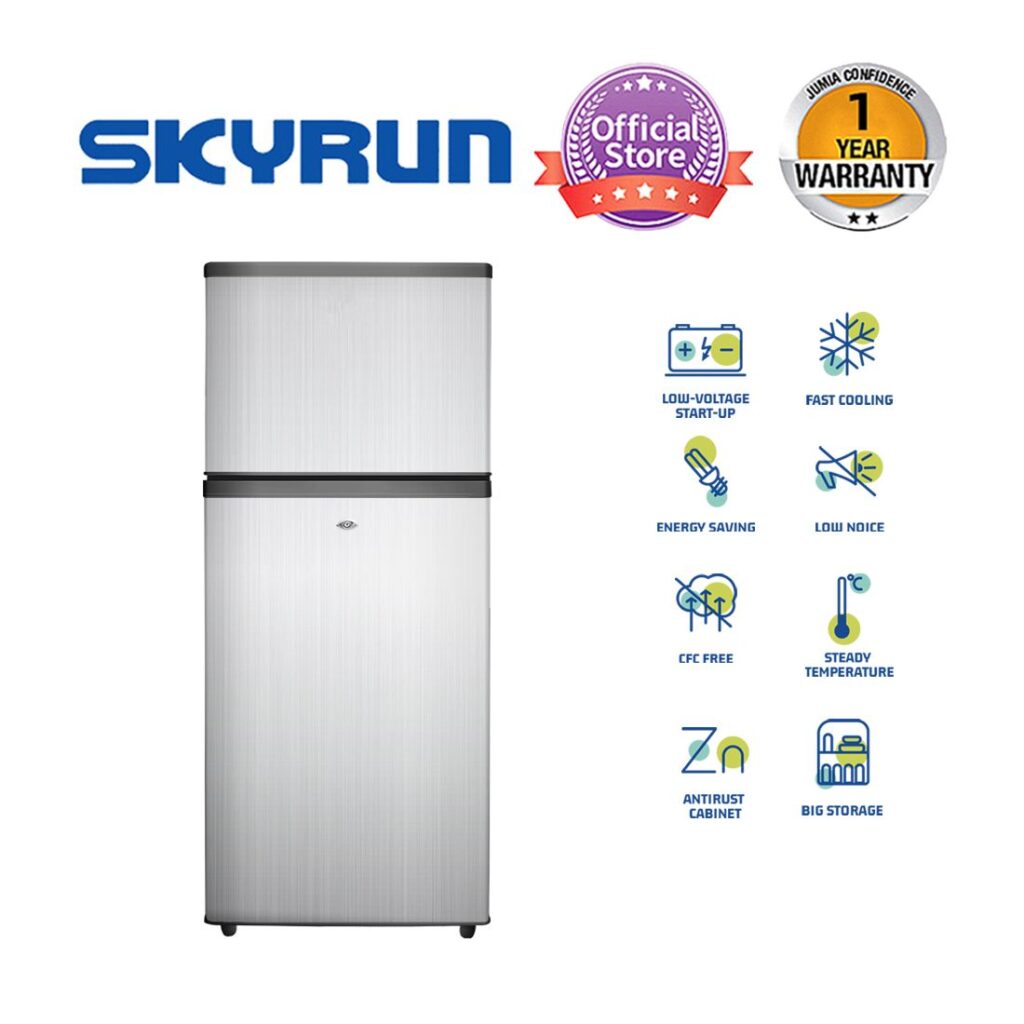
Skyrun Fridge138L Double Door Top Mount (BCD-138K)
Original price was: ₦285,000.00.₦260,000.00Current price is: ₦260,000.00. -
Maxi Standing Industrial Fan 26 Inch – Black (650-KFS)
Original price was: ₦105,000.00.₦92,000.00Current price is: ₦92,000.00. -
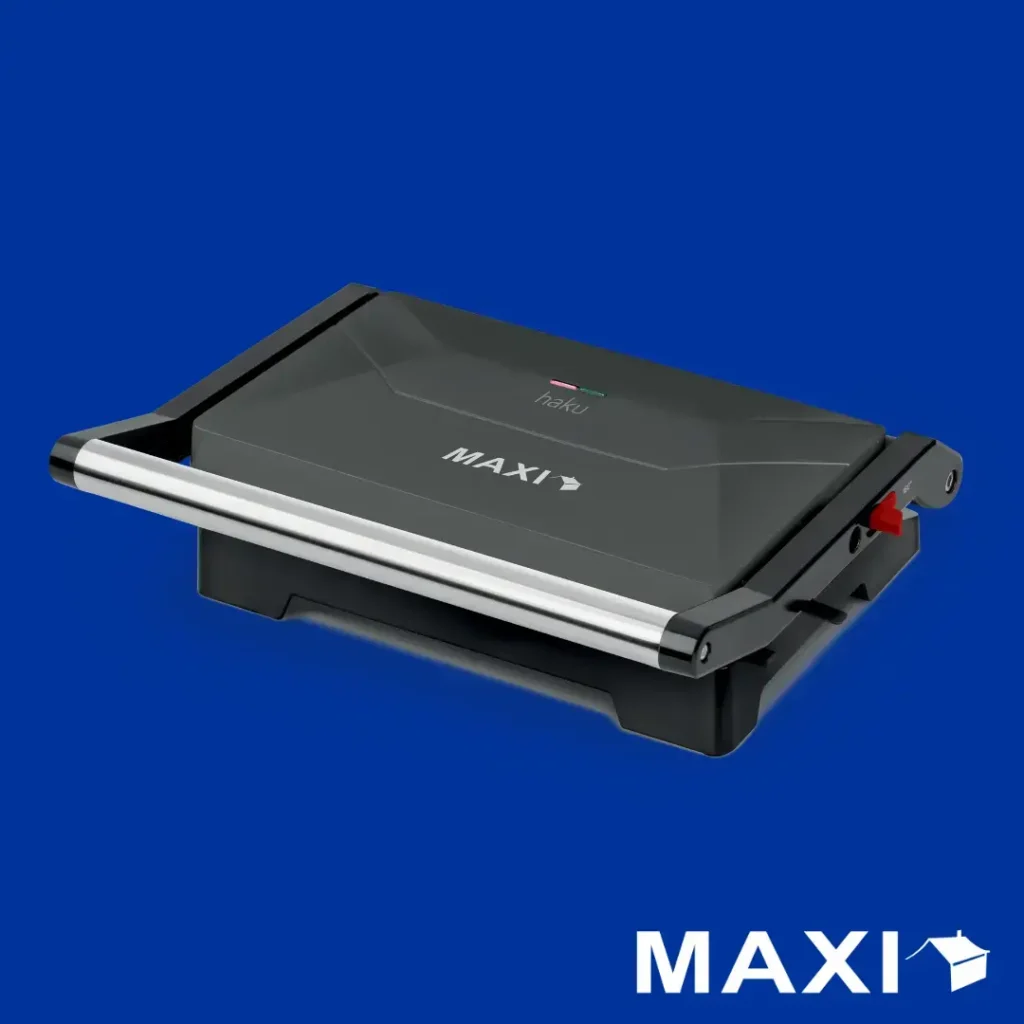
Maxi Contact Grill (toaster) 1000w 1100PR
Original price was: ₦35,000.00.₦30,000.00Current price is: ₦30,000.00. -
Hisense Chest Freezer 198L (FC270)
Original price was: ₦320,000.00.₦295,000.00Current price is: ₦295,000.00.



One thought on “The Complete TV Buying Guide for Nigerians (2026): How to Choose the Right Television Without Wasting Your Money”