












How to Make the Best of Your Smart TV

A Practical, Real-Life Guide Every Smart TV Owner Should Read
Buying a Smart TV is exciting. Bigger screen, clearer picture, internet access, apps, and endless entertainment.
But here’s the truth many people don’t realize:
👉 Most Smart TV owners are using only 30–40% of what their TV can actually do.
If your Smart TV is mainly for watching cable or one streaming app, you’re leaving a lot of value unused. This guide will show you how to truly maximize your Smart TV, improve performance, save data and electricity, and enjoy a better viewing experience especially in Nigerian homes.
1. Start With Solid Internet Connectivity
Your Smart TV is only as smart as its internet connection.
A weak or unstable network leads to:
- Buffering during movies
- Apps refusing to load
- Poor video quality
- Slow updates and downloads
What to Do:
- Use Ethernet (LAN cable) if possible. It’s faster and more stable than Wi-Fi.
- If using Wi-Fi, place your router close to the TV.
- For large homes, use a Wi-Fi extender to strengthen signal.
- Avoid connecting too many devices at once when streaming.
A stable connection ensures smooth Netflix, YouTube, Showmax, Prime Video, and app downloads without frustration.
2. Explore and Install Only Useful Apps
Your Smart TV app store is powerful, but installing everything can slow it down.
Focus on apps that truly add value:
- Streaming apps (movies, series, live TV)
- Music apps
- Sports apps
- News and utility apps
Smart Tips:
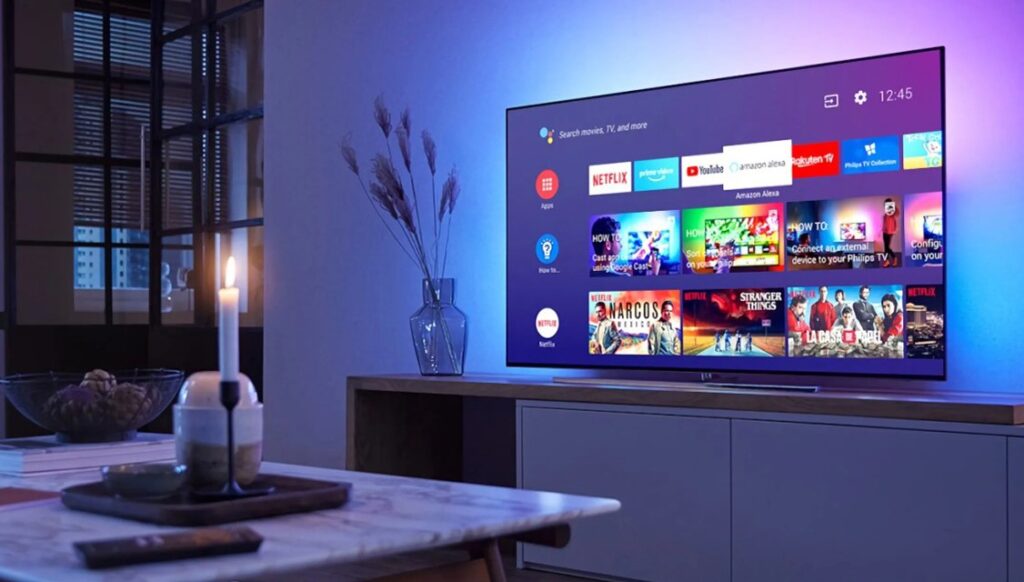
- Customize your home screen so your most-used apps appear first
- Remove or disable apps you don’t use
- Avoid installing too many games if your TV has limited memory
A clean app layout keeps your TV fast and responsive.
3. Adjust Picture and Sound Settings Properly
Factory settings are not always the best.
Many people complain that:
- Picture looks too dark or too sharp
- Sound is low or unclear
This is usually a settings issue, not a TV problem.
Optimize Your Viewing:
- Switch picture modes:
- Cinema / Movie for films
- Sports for live matches
- Game Mode for consoles
- Adjust brightness, contrast, and sharpness manually
- Enable audio enhancements like surround sound if available
If you want cinema-quality sound, consider adding a soundbar instead of relying on TV speakers.
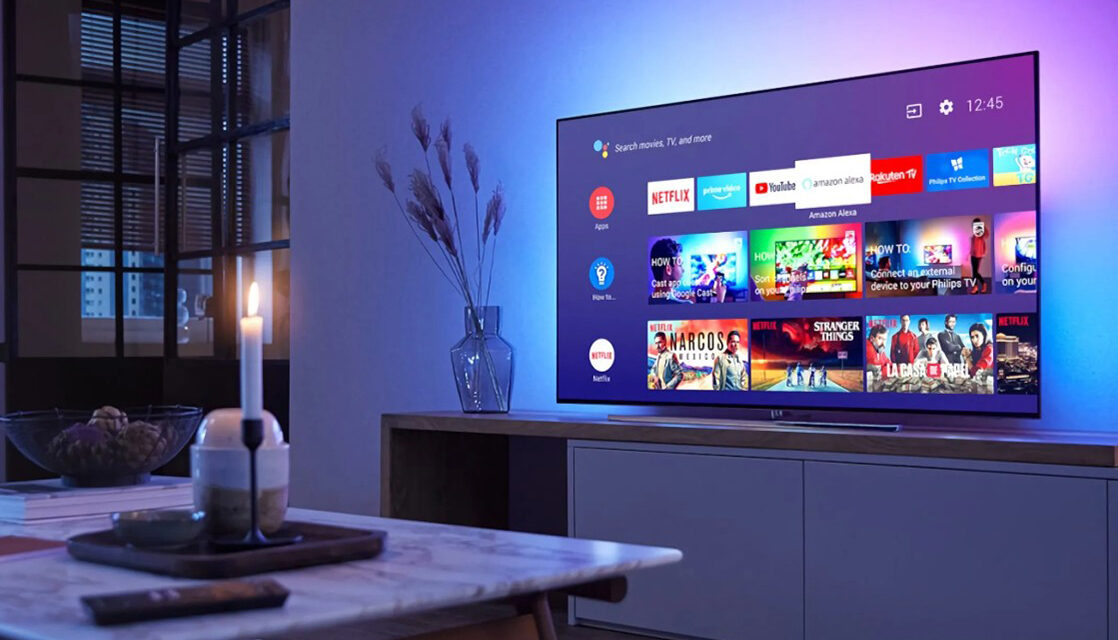
4. Use Voice Control and Screen Casting
Modern Smart TVs are designed for convenience.
Voice Assistants:
Many TVs support:
- Google Assistant
- Alexa
- Built-in voice search
You can:
- Search movies by voice
- Adjust volume
- Open apps hands-free
Screen Casting:
Cast content directly from your phone:
- YouTube videos
- Photos and videos
- Presentations
- Social media clips
This turns your TV into a shared entertainment hub for family and guests.
5. Always Keep Your TV Software Updated
Skipping updates is a common mistake.
Updates help to:
- Fix bugs and crashes
- Improve speed
- Add new features
- Improve security
Best Practice:
- Turn on automatic updates
- Check manually once in a while via settings
- Update apps regularly
An updated TV performs better and lasts longer.
6. Connect External Devices to Expand Your Experience
Your Smart TV becomes even more powerful when paired with accessories.
Useful Add-Ons:
- Soundbars for better audio
- Game consoles (PlayStation, Xbox)
- Streaming boxes for more apps
- External hard drives or USBs for movies and photos
- Bluetooth headphones for private listening
These devices turn your TV into a full entertainment system.
Must-Have Apps for Every Smart TV
Movies & Series
- Netflix
- Prime Video
- Disney+
- Showmax
Free Streaming
- YouTube
- Tubi
- Pluto TV
Music
- Spotify
- Apple Music
- Deezer
Sports
- DStv Now
- ESPN
- FuboTV
Utilities
- Web Browser
- Weather Apps
- Smart Home Apps
News
- BBC News
- Al Jazeera
- CNN
Install what you need, not everything available.
Pro Tips for Nigerian Homes
Smart TV usage in Nigeria comes with unique challenges.
Here’s how to protect your investment:
- Don’t overload apps, it slows performance
- Use parental controls for kids
- Clear cache and unused apps regularly
- Always connect your TV to a UPS to protect against power surges
- Enable energy-saving mode to reduce electricity consumption
These small steps can extend your TV’s lifespan significantly.
Ready to Upgrade or Improve Your Setup?
At Dispasal, we don’t just sell TVs — we help you enjoy them fully.
We offer:
- ✅ Smart TVs from Samsung, LG, Hisense, Skyrun, Nexus
- ✅ Soundbars, UPS, and accessories
- ✅ Expert guidance to help you choose the right TV
- ✅ Flexible payment options