









TV Screen Blank or Showing Black? Causes & Solutions

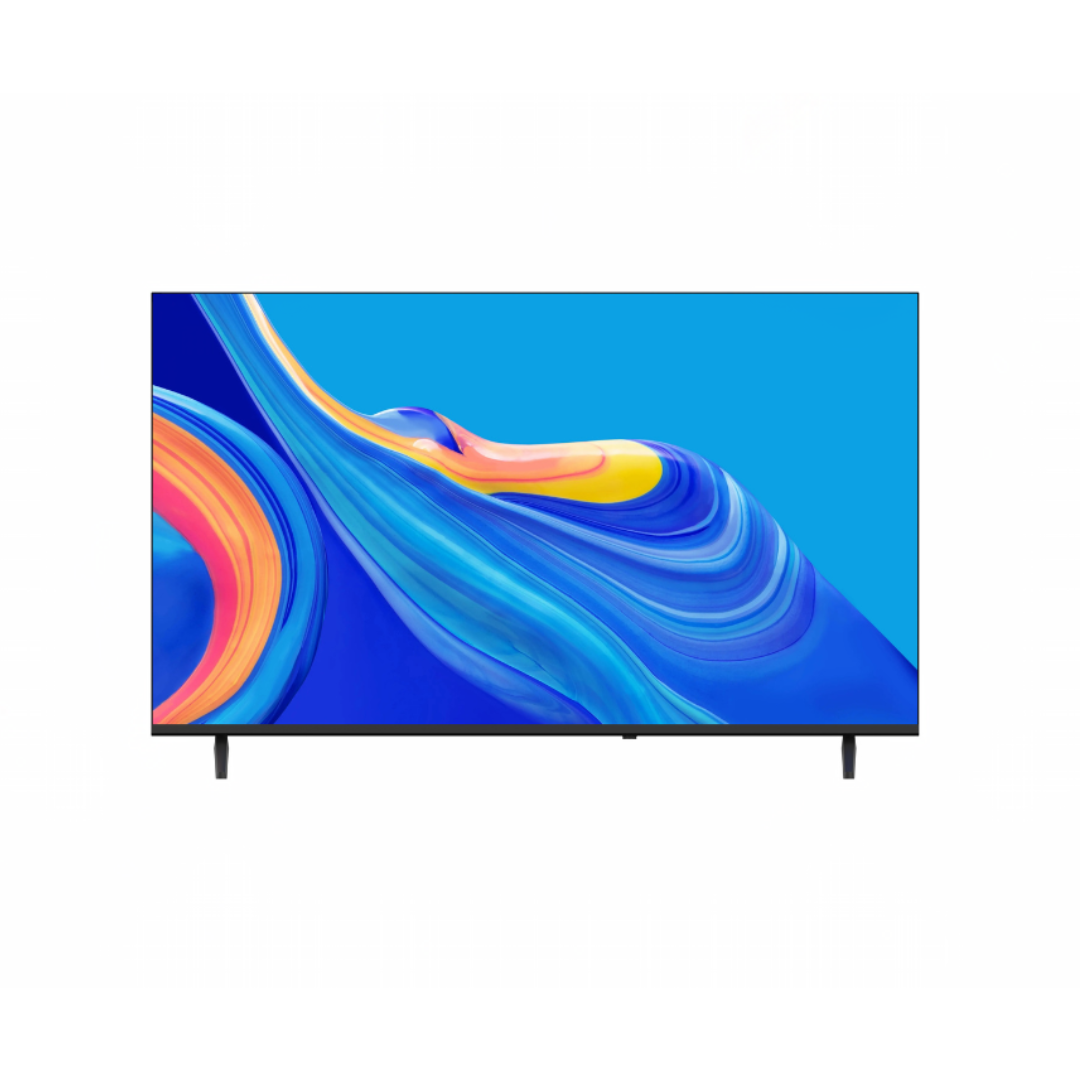
Why Is My TV Screen Black?
Why Your TV Screen Is Black (And How to Fix It Properly)
A black TV screen is one of the most common problems TV owners face. Sometimes the TV has sound but no picture. Other times, the TV looks completely dead. In most cases, the TV is not actually “spoilt” — the problem is usually caused by power issues, signal problems, or internal lighting failure.
Understanding the real cause saves you money, prevents unnecessary repairs, and helps you know when replacement is truly needed.
This guide explains exactly why black screens happen, what you can safely fix yourself, and when professional repair is required.
How Modern TVs Display Images (Simple Explanation)
Most modern TVs (LED, LCD, Smart TVs) work like this:
- The power board supplies electricity
- The main board processes video signals
- The backlight system lights up the screen
- The panel displays the picture
If any one of these fails, the TV can still turn on but show a black screen.
The Real Causes of Black Screen in TVs
1. Loose or Faulty Connections (Most Common)
More than 40% of black screen complaints are caused by simple cable problems.
This happens when:
- HDMI cable is not fully inserted
- Cable is damaged or bent
- Decoder or game console is off
- Wrong HDMI input is selected
The TV is working — it just has no signal to display.
This is why technicians always check cables first before touching the TV itself.
2. Backlight Failure (Very Common in LED TVs)
This is the number one internal fault in LED and Smart TVs.
LED TVs do not produce light by themselves. They use internal LED strips called backlights. When those lights fail:
- The image is still there
- But the screen appears completely black
Flashlight Test (Industry Standard)
Shine a torch on the black screen:
- If you see faint images → backlight is dead
- If nothing at all → deeper problem
Backlight failure is usually caused by:
- Heat buildup
- Power surges
- Long daily usage
- Poor ventilation
This fault is repairable, but requires professional tools.
3. Power Board Failure
The power board distributes electricity inside the TV.
If part of it fails:
- The TV may turn on
- Sound may work
- But screen stays black
This is extremely common in Nigeria due to:
- Voltage fluctuation
- Power surges
- Sudden blackout
Without a surge protector, this damage is almost guaranteed over time.
4. Sleep Timer, Eco Mode, or Software Bugs
Smart TVs can turn off the screen while keeping sound.
This happens when:
- Sleep timer is active
- Power saving mode is enabled
- Firmware glitch occurs
Many “faulty TVs” are actually just misconfigured.
5. Faulty Screen Panel (Worst Case)
This is real physical damage to the screen.
Signs:
- Cracks or lines
- Half screen black
- No faint image even with torch
Panel failure is not economically repairable.
Replacement cost is often 70–90% of a new TV.
Safe Fixes You Can Try at Home
These steps solve most customer complaints without any tools.
Step 1: Signal Check
Unplug and reconnect:
- Power cable
- HDMI cable
- Decoder or console
Select correct input:
HDMI 1 / HDMI 2 / AV
Try another HDMI cable if possible.
Step 2: Hard Reset
Turn off TV
Unplug from power
Wait 10 minutes
Plug back and power on
This resets internal circuits and software.
Step 3: Check Power Settings
Go to:
Settings → Power → Sleep Timer / Eco Mode
Turn everything off.
Step 4: Flashlight Test
If sound works but no picture:
Shine torch on screen
If faint image appears → backlight fault confirmed.
When You Must Call a Technician
Do NOT open TV yourself.
Call a professional if:
- Backlight failed
- Power board faulty
- Internal fuse blown
- Panel damaged
TV capacitors store electricity even when unplugged and can shock.
How to Prevent Black Screen Problems (Very Important)
Most black screens are not random. They are caused by poor power protection.
Best prevention:
- Always use surge protector or voltage regulator
- Never block TV ventilation holes
- Turn off TV before unplugging
- Keep dust away from ports
In Nigerian power conditions, TVs without protection fail much faster.
Final Truth Most Stores Won’t Tell You
Many TVs sent for “repair” are actually:
- Cable issues
- Power mode problems
- Or backlight faults
Only panel damage truly requires replacement.
Understanding this saves:
- Money
- Time
- And unnecessary stress
How Dispasal Solves This for Customers
At Dispasal, we design our sales and after-sales support to reduce these problems.
We provide:
✅ Smart TVs built for unstable power
✅ Surge protectors & voltage regulators
✅ Honest repair advice (no fake faults)
✅ Technician referrals you can trust
✅ Replacement options when repair is not worth it
We don’t just sell TVs —
We help customers avoid regret after purchase.
Expert Recommendation
If your TV:
- Is over 6–8 years old
- Has repeated power board or backlight issues
- Or panel is damaged
Replacing with a modern energy-efficient model is smarter than repeated repairs.
New TVs:
- Use less power
- Have stronger backlight systems
- Support smart features
- Handle voltage better
Need Help Right Now?
Whether it’s repair, replacement, or power protection:
Dispasal is your trusted electronics partner.
🌐 Shop online: dispasal.com
📞 WhatsApp / Call: 09164425471
We help you fix problems before they become expensive mistakes.