













Why Your TV Won’t Play Some Videos — And How to Fix It Fast

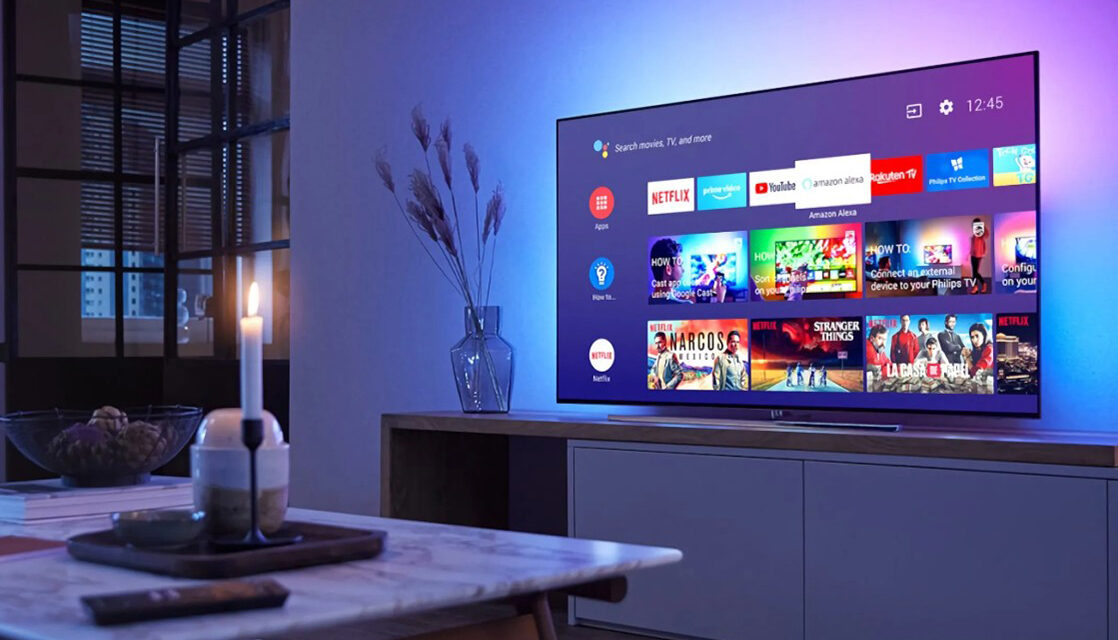
Have you ever plugged a USB drive into your TV, clicked a video, and instead of watching it, you see “Unsupported Format”, a blank screen, or sound without picture?
You’re not alone. This is one of the most common TV complaints we hear at DISPASAL, especially from customers using flash drives, external hard disks, or downloaded videos.
The good news?
Most of the time, your TV is not faulty. The problem is usually the video format, codec, or TV model limitations.
Let’s break it down in a simple, real-life way.
What a Video Format Really Means
A video file is more than just a video. It has two important parts:
- Video codec (how the picture is compressed)
- Audio codec (how the sound is compressed)
The container (file type) holds them together.
Common video formats you see include:
- MP4
- AVI
- MKV
- MOV
Even if two videos are both MP4, they may still behave differently if the internal codecs are not supported by your TV.
That’s why:
- A video plays on your phone ✔
- But refuses to play on your TV ❌
Why Some TVs Cannot Play Certain Videos
Not all TVs are built the same.
1. TV Model & Class Matters
- Older LED/LCD TVs have limited media players
- Budget Smart TVs support common formats only
- Mid-range & high-end Smart TVs support more codecs
- Premium Smart TVs play almost all formats smoothly
This is why two TVs from different brands behave differently with the same video.
Smart TV
Buy Original Smart TVs Online in Nigeria
2. Codec Limitation
Even if your TV supports MKV, it may not support:
- DTS audio
- HEVC (H.265)
- Certain high-bitrate encodings
Example (very common):
A Samsung or LG TV plays MKV video but gives no sound because the audio codec is DTS.
The TV is working — it just doesn’t understand that audio format.
How Video Format Support Has Changed Over Time
| TV Era | Format Support Reality |
|---|---|
| Early LCD / Plasma TVs | MPEG-2, AVI |
| Early Smart TVs | MP4 (H.264), AVI |
| Modern Smart TVs | MP4, MKV, MOV |
| 4K / UHD Smart TVs | HEVC (H.265), HDR formats |
⚠️ Important:
Not all Smart TVs support HEVC, especially entry-level models.
Most Reliable Video Format for TVs
If you want maximum compatibility, this is your safest option:
MP4 (H.264 video + AAC audio)
This format:
- Works on almost all TVs
- Plays on USB, hard drive, and apps
- Avoids sound-only or picture-only problems
If you download videos often, always choose MP4 (H.264).
What To Do When a Video Refuses to Play
1. Check Your TV’s Supported Formats
Look at:
- User manual
- Manufacturer website
- TV settings → Media info
This saves time and frustration.
2. Convert the Video (Most Effective Fix)
If a video won’t play:
- Convert it to MP4 (H.264 + AAC)
- Resolution: 720p or 1080p for best compatibility
Reliable conversion tools:
- HandBrake
- WinX Video Converter
- Any trusted video converter
💡 This single step solves 80% of playback issues.
3. Use a Smart TV Advantage (Best Option)
If you’re using a Smart TV, you already have a big advantage:
- Stream videos online instead of USB
- Play videos on your phone
- Cast or mirror to your TV screen
- Use YouTube, Netflix, or cloud storage
This completely bypasses format problems.
4. Use External Devices (For Older TVs)
If your TV is old:
- Fire TV Stick
- Android TV Box
- Chromecast
- Media players
These devices support far more formats than most TVs.
Why Smart TVs Are the Best Solution Today
A modern Smart TV gives you:
- Wide video format support
- App-based playback
- Screen casting from phone
- Less stress with USB files
- Better long-term value
At DISPASAL, many LG, Hisense, and other Smart TVs can:
- Play almost all common formats
- Handle high-resolution videos
- Stream directly without conversion
Buying Tip: Avoid Video Playback Stress
Before buying a TV, consider:
- Supported video formats
- Smart TV features
- Casting & screen mirroring
- Software updates
If you download or watch videos frequently, a Smart TV is the smarter choice.
👉 Browse Smart TVs with wide format support at dispasal.com
LED TVs
Buy Original LED TVs Online in Nigeria
When It’s NOT a Format Problem
Sometimes, the issue is not format but:
- Corrupted video file
- Damaged USB drive
- Very high-resolution file beyond TV limit
Always test:
- Another video
- Another USB drive
- Another TV or device
Frequently Asked Questions (FAQ)
Q: My TV has sound but no picture when playing a video
A: This is usually a video codec issue. Convert the file to MP4 (H.264).
Q: Can an old TV play new video formats?
A: Yes, with an Android TV box or Fire TV Stick.
Q: Which format is safest for TVs?
A: MP4 (H.264 + AAC).
Q: Will updating my TV software help?
A: Sometimes. It can add support for newer formats, but not always.
Final Word from DISPASAL
Video playback issues are frustrating—but most are format-related, not TV faults. With the right format, proper conversion, or a modern Smart TV, you can enjoy smooth, stress-free viewing.
If your TV feels limited or outdated, DISPASAL has modern Smart TVs designed for today’s content needs.
New arrivals
-
Hisense Top Freezer Refrigerator 87L (120DR)
Original price was: ₦205,000.00.₦195,000.00Current price is: ₦195,000.00. -
Maxi Water Dispenser Bottom Loading (1639S)
Original price was: ₦200,000.00.₦188,000.00Current price is: ₦188,000.00. -
Maxi Water Dispenser – 3 Faucets (YL1242S)
Original price was: ₦115,000.00.₦105,000.00Current price is: ₦105,000.00. -
Maxi Water Dispenser – 2 Faucets, Hot & Cold (2435S-W)
Original price was: ₦140,000.00.₦120,000.00Current price is: ₦120,000.00. -
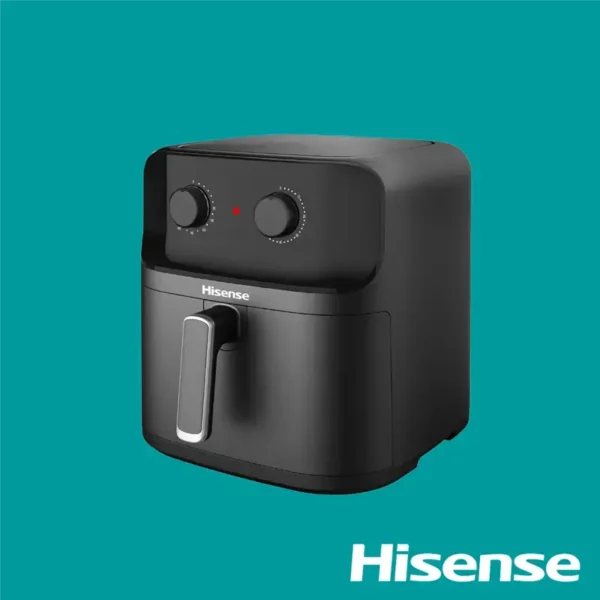
Hisense Air Fryer 8L 1700W (H08AFBK1S1)
Original price was: ₦90,000.00.₦85,000.00Current price is: ₦85,000.00. -
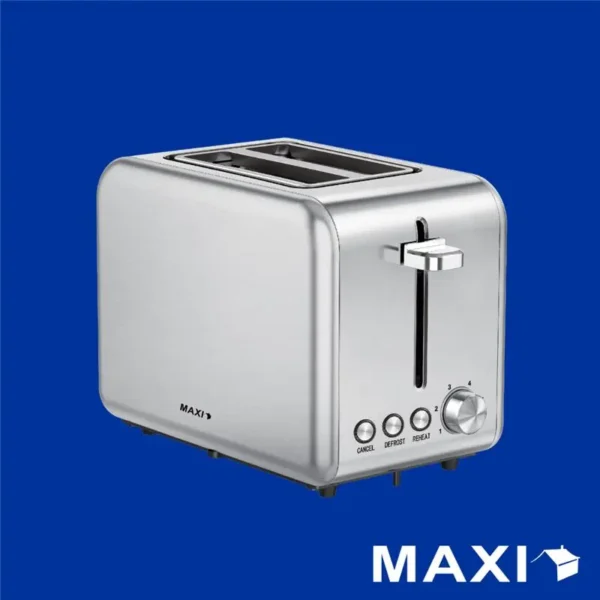
Maxi Toaster 2 Slices (2L17W2)
Original price was: ₦45,000.00.₦39,000.00Current price is: ₦39,000.00. -
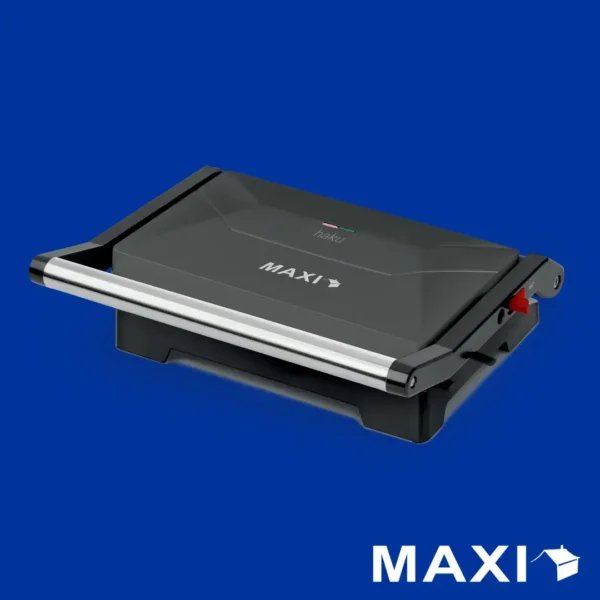
Maxi Contact Grill (toaster) 1000w 1100PR
Original price was: ₦35,000.00.₦30,000.00Current price is: ₦30,000.00. -
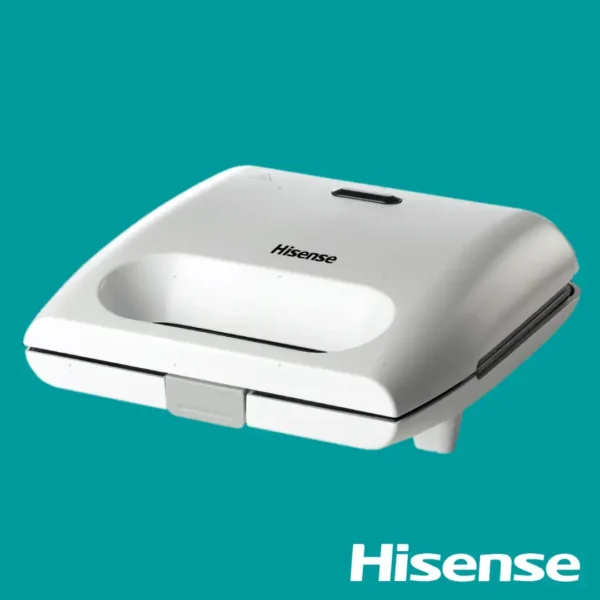
Hisense Contact Grill (Toaster) 700w HSM701GCW
Original price was: ₦35,000.00.₦29,000.00Current price is: ₦29,000.00. -
Maxi Air Fryer 5L MF-TN50C2
Original price was: ₦55,000.00.₦49,000.00Current price is: ₦49,000.00. -
Maxi Juice Extractor 500ml 400w
Original price was: ₦60,000.00.₦50,000.00Current price is: ₦50,000.00. -
Maxi Pressure Cooker 6L 1000w
Original price was: ₦70,000.00.₦65,000.00Current price is: ₦65,000.00. -
Hisense Blender – 1000W, 1.5L
Original price was: ₦90,000.00.₦80,000.00Current price is: ₦80,000.00. -
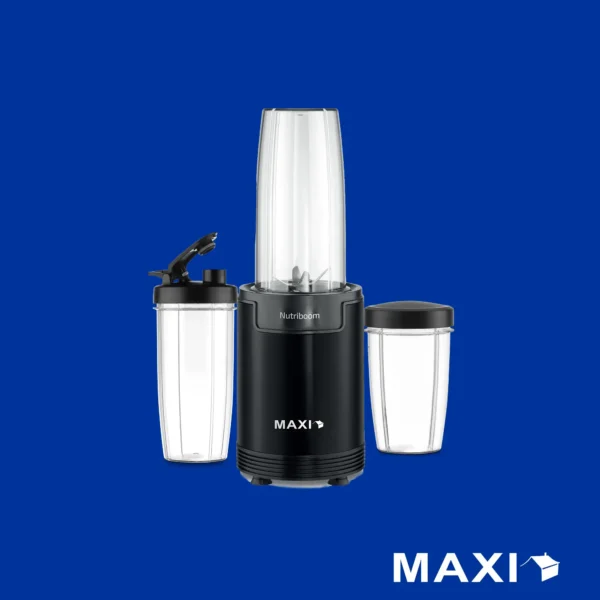
Maxi Nutriboom Blender – 900W
Original price was: ₦60,000.00.₦50,000.00Current price is: ₦50,000.00. -
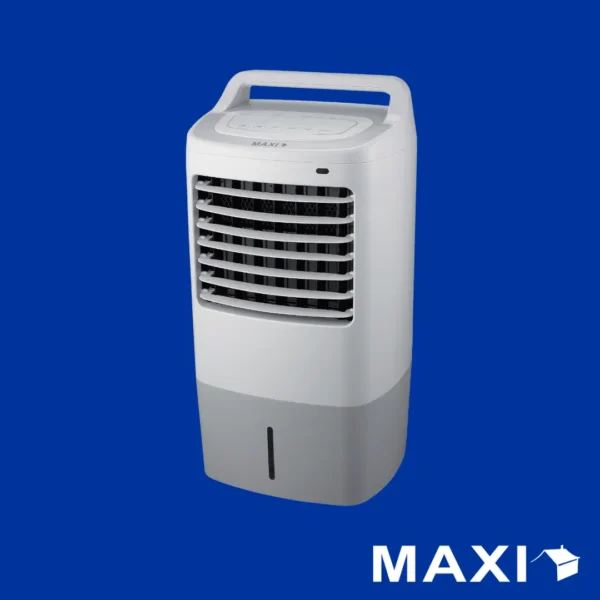
Maxi Air Cooler Fan 60W 15L (120-16AR)
Original price was: ₦120,000.00.₦115,000.00Current price is: ₦115,000.00. -
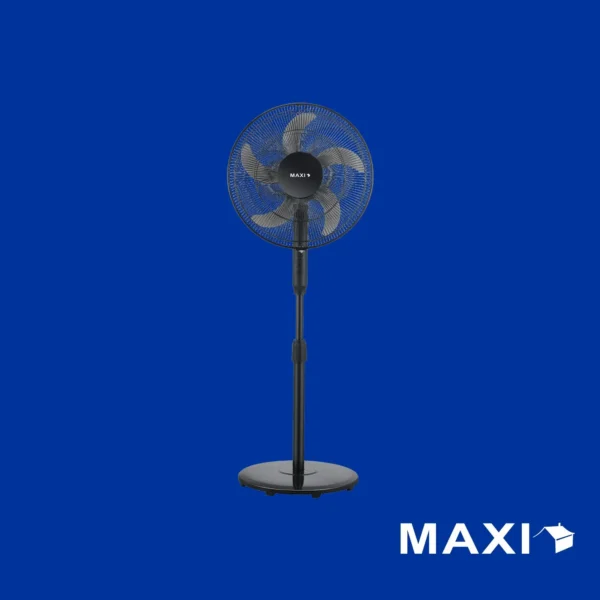
Maxi Standing Fan – 16 Inch Black
Original price was: ₦40,000.00.₦33,000.00Current price is: ₦33,000.00. -
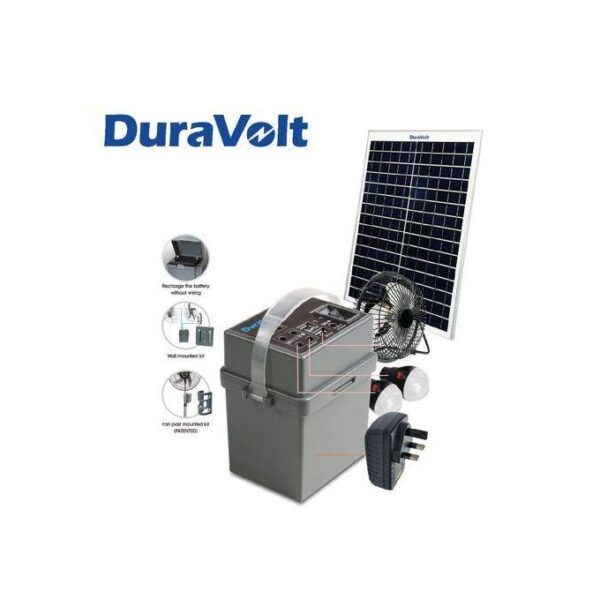
Duravolt Solar Rechargeable Pack SRP-1245 (4-in-1 Power Kit)
Original price was: ₦50,000.00.₦40,000.00Current price is: ₦40,000.00. -
Century 18″ Standing Fan 45AE
Original price was: ₦40,000.00.₦33,000.00Current price is: ₦33,000.00. -
Century 18″ Rechargeable Fan with Five Blades (FRC-45-H1)
Original price was: ₦90,000.00.₦85,000.00Current price is: ₦85,000.00. -
Century 18″ Rechargeable Fan FRC-45-E
Original price was: ₦87,000.00.₦82,000.00Current price is: ₦82,000.00. -
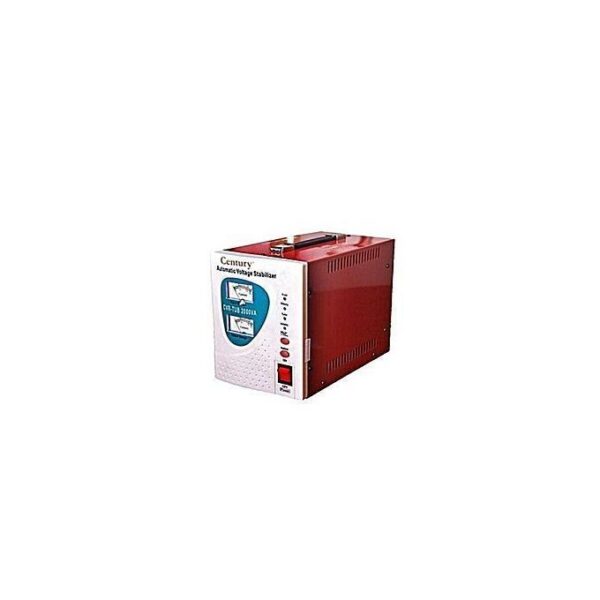
Century 1000VA Automatic Voltage Stabilizer (1000W)
-
Century Automatic Voltage Stabilizer CVR-TUB 2000VA
Original price was: ₦79,000.00.₦72,000.00Current price is: ₦72,000.00.


Related article
Air Fryer vs Deep Fryer: What’s the Real Difference?
How to Cast Your Smartphone or PC to Google TV & Android TV & Smart TV (Step-by-Step Guide)
Common Sound System Problems at Home (And How to Fix Them Easily)
One thought on “Why Your TV Won’t Play Some Videos — And How to Fix It Fast”